
Videos are one of the best ways to promote your business online. Videos are also good way to increase traffic to your website, generate more leads and help your audience understand your products more deeply in a way that text just can’t match.
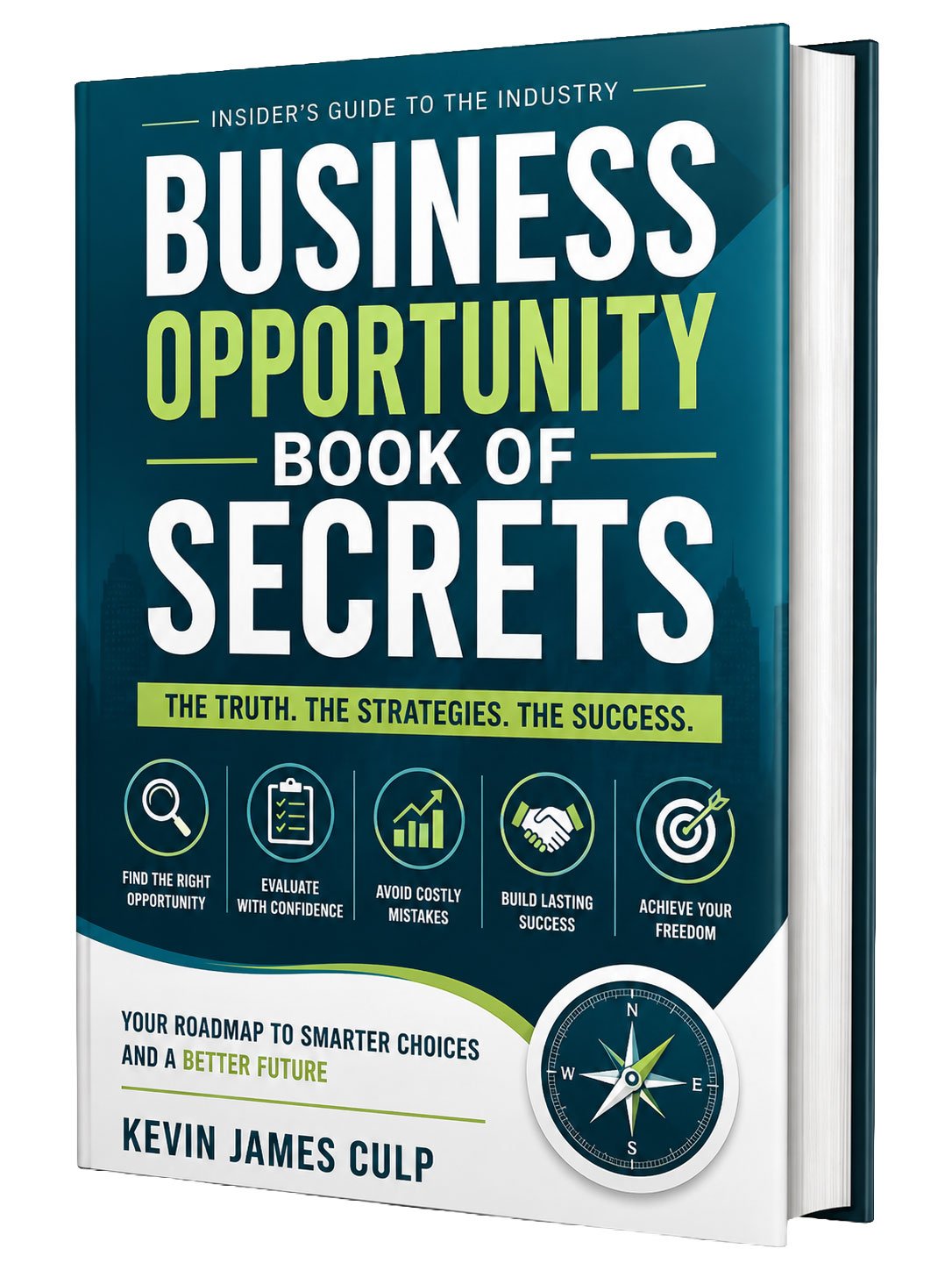
by Kevin James Culp
When making videos, you will need certain tools to edit, format and make them effective. Here are the top 20 best video promotional tools.
1. Wideo
Also, Wideo is an online video platform that allows one to create and edit animated videos. It allows one to add the business logo, background music, and images. Also, they are ideal for video adverts, presentations, and tutorials. One of the advantages of using Wideo is that it has different templates that help you work on your videos within minutes.
2. Animoto
In addition, Animoto is used in the creation of professional and high-quality videos. The features include slideshow videos, inbuilt templates, and allow the use of logos. In addition, for editing, they provide colors, fonts, images, and music.
3. Hyperlapse
Hyperlapse is one of the business apps used in Instagram videos. With this tool, you can increase the speed of your video by 12 times. Next, it is easy to use, and it allows one to post the videos directly to Instagram or Facebook. The advantage of this tool is that it is free.
4. Magisto
The app is available for both Android and IOS. It allows one to create videos easily and faster. To use this app, you will need to choose the editing you want, and editing is done automatically.
5. VeedyBpx
It is one of the best video promotional tools used by many businesses. You can finish creating and editing your videos in about 10 minutes. Overall, it is easy, affordable and fun to use.
6. Viewbix
Viewbix allows one to create interactive videos used for promotion and marketing. It allows one to add a link to their video, add logos and call to action. Once you finish creating your video, you can post on various social media and your website easily.
7. WeVideo
The video promotional tool was introduced in 2011, and it has gained popularity since then. It gives businesses to create engaging videos for their consumers. Likewise, it allows one to have full control over the graphics by customizing the logo, color, and call to action.
8. Prezi
With Prezi, you will get a variety of templates to help you out with your videos. It allows one to create presentational videos with slideshows. Still, it contains analytical tools that help in tracking important statistics for your videos.
9. GoAnimate
GoAnimate is used for creating high quality animated videos. The tool has various features that include drag and drop, lip-syncing feature and voice dialogs. To enable you, to get a professional video, there are many templates, themes, and characters available.
10. RenderForest
Renderforest is ideal for creating introduction videos, animations, promotional videos for services and products. The features include music, slideshows, info-graphics and hundreds of templates. Also, the video promotional tool comes with a list of guidelines to help you achieve the best video for your business.
11. Filmora
The video promotional tool gives users the freedom to adjust colors, speed, brightness, rotation, and effects. It is easy to use, and you can make interactive videos within a few minutes. Engaging videos are important for building your brand. Both Android and iOS can use the tool. Their team just published an in-depth review of Filmora, based on real testing and results. I’d like to invite you to check it out. You can find it here: https://www.softwarehow.com/filmora-review/
If you find our guide useful, perhaps you would consider linking to our article as well.
12. Videopath
The application tool allows users to connect directly to their website. It is easy to use, allows customization, and it is compatible with all browsers and devices. To enhance, the brand of your business, the tool has called to actions, web shops, and signup sheets.
13. Slidely
The video promotional business tool allows one to create slideshows and music videos from existing clips and images. You can post your video directly to your website or social media platform. In addition, the advantage of using this tool is that it is free and highly effective.
14. Powtoon
If you want to create professional, high quality and animated videos, you should go for this tool. It has a user-friendly interface and guidelines to help at every stage of your video creation. Next, it comes with a free version, but if you want advanced features, you should pay for it.
15. VideoScribe
It allows the creation of waterboard videos. The features include images, text, canvas, voice over and music. Overall, it allows customization and contains hundreds of images to choose from. Once you create your video, you can share it easily on your web pages. It comes with a 7 day trial period.
16. Adobe Creative Suite
Videoediting that’s always a cut above. Premiere Pro is the leading videoediting software for film, TV, and the web. Robust creative tools, integration with other Adobe apps, and the power of AdobeSensei help you quickly craft polished work in a seamless, connected workflow.
17. iMovie
It is easy to use, produces high-quality videos, and it is packed with different features. Next, it comes with dozens of styles to add on to your titles and animations. Likewise, it has inbuilt sound effects, voice over and music. You also get various video filters to enhance your videos. Once you finish editing your video, you can post directly to YouTube.
18. Clipchamp
It comes with a free and a paid option. The free version is ideal for personal use while the paid is for business use due to the variety of features involved. Once you have the business option, you get unlimited videos, webcam recording features, video compression, plugins, audio stock library, and training.
19. Vidyard
The video promotional tool was introduced in 2010. It allows video marketers to know the number of viewers, location of viewers, information on sharing of your videos and the ROI of your videos. Still, these metrics help marketers understand the videos that capture the attention of their audience and those that don’t.
20. Shotcut
The tool is free to use and ideal for business startups. It is easy to use and contains a variety of video filters to use. Also, it allows one to export their videos to different platforms after they finish creating and editing.
For the effective promotion of your products and services, you should consider using video promotional tools. The tools mentioned above will help you save time when creating videos, edit easily and come up with engaging videos that will drive more traffic and promote your brand.
Thanks for Reading and Carpe Diem My Friends!
Sources and further reading
- Manage your business (U.S. Small Business Administration): SBA guidance on finances, hiring, taxes, marketing, and cybersecurity.
SmartBizOpps provides information only and does not guarantee income, leads, or results.
Photo by Muhammad Faiz Zulkeflee on Unsplash
Learn more: United Nations.
Keep reading
If this topic is useful to you, these related guides on SmartBizOpps are a good next step.